
Write recklessly.
Pick 3 later.
Void. compiles messy notes into structured tasks.
Paste a messy brain dump. Press Ctrl+Enter. Get a clean Today list.
Windows x64 and Linux .deb targeting Ubuntu 24.04 amd64. Read the platform, installer, delivery and refund details before purchasing.
Capture first. Structure second.
Most task apps force you to clean up your thoughts before you even capture them.
You spend more time formatting than planning.
Void. gives you a quiet place to dump the mess, then compile it into focus.
Void. v1 interface
prepare sprint planning
update documentation friday
Workflow
How it works
Write raw notes
Paste or type anything. Meeting memos, brain dumps, bullet lists.
Press Ctrl+Enter
Void. compiles it into structured tasks with dates, priorities, and projects.
Pick 3 for Today
Pin up to 3 tasks to focus on. The rest stays in your backlog.
See the difference
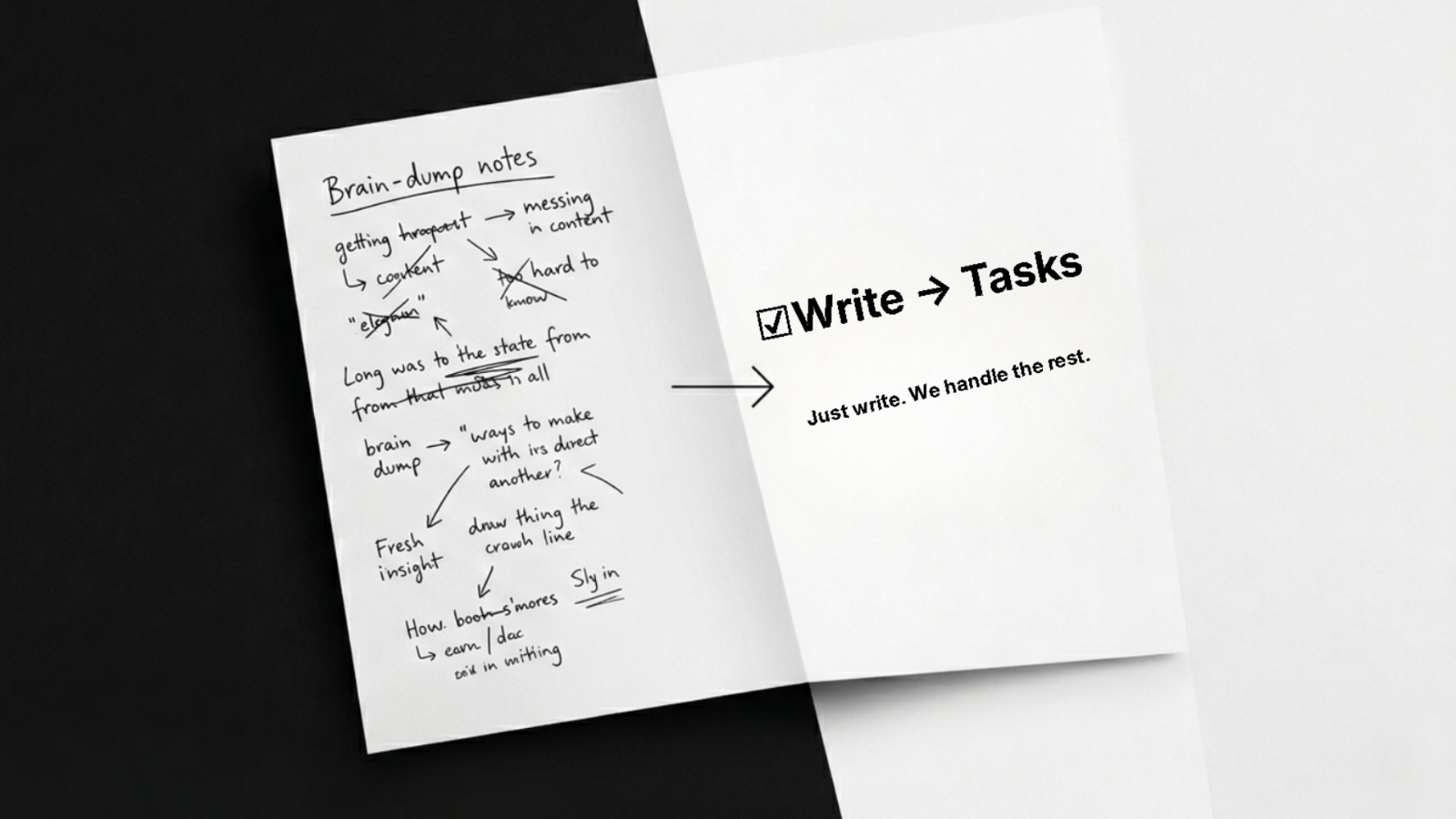
Raw notes on the left. Structured tasks on the right.
Features
Smart parser
Dates, P1-P4 priorities, projects, URLs, checklists — handled automatically.
Today view
3-slot focus. Pin what matters now. Everything else waits.
Backlog with drag reorder
Organize your tasks with simple drag-and-drop reordering.
Streak tracking
Build momentum with daily streak tracking.
No cloud, no subscription, no AI
Local-first. Zero dependencies. Your data stays on your device.
One price
Buy once. Own it.
One-time purchase. No subscription. No seat licenses.
Windows x64 and Linux .deb targeting Ubuntu 24.04 amd64
- Windows x64 desktop app and Linux .deb targeting Ubuntu 24.04 amd64
- One-time purchase
- No account required
- Local-first storage
- Final sale; see delivery and refund support below
The Windows installer is unsigned, so Windows may show a security warning. Installation and uninstallation have not been verified; this does not mean a defect has been found. Internet access is needed to download WebView2 if it is not already installed. The Linux package uses the generic name void and executable path /usr/bin/app; check for conflicts before installing and do not overwrite existing software.
Choose Windows or Linux on the purchase confirmation page after payment verification. Existing eligible purchases can choose either platform without repurchasing. No download email is automatically sent. Save your confirmation link privately and never share it. If you lose the link or your purchase is not delivered, contact us so we can verify your purchase and help with delivery or a refund. Do not purchase again.
Refund Policy: Ordinary purchases are final sale, with no refunds. If your purchase has not been delivered, contact us for delivery or refund assistance.
Contact StereoBinary for purchase supportFAQ
Is this just a todo app?
No. Void. is a task compiler. It structures your raw input automatically.
What kind of input does it understand?
Rough bullets, dates, priorities, project prefixes, URLs, checklists — even mixed languages.
Does it work offline?
The app works locally and your data stays on your device. Windows installation needs internet access to download WebView2 if it is not already installed.
What platforms does it support?
Windows x64 and Linux .deb targeting Ubuntu 24.04 amd64. Choose your platform after payment verification; no repurchase is needed for an existing eligible purchase. Check for conflicts with the generic package name void and /usr/bin/app before installing; do not overwrite existing software.